Written by
Firoj AlamBest NotchNook Alternative for Mac (2026)
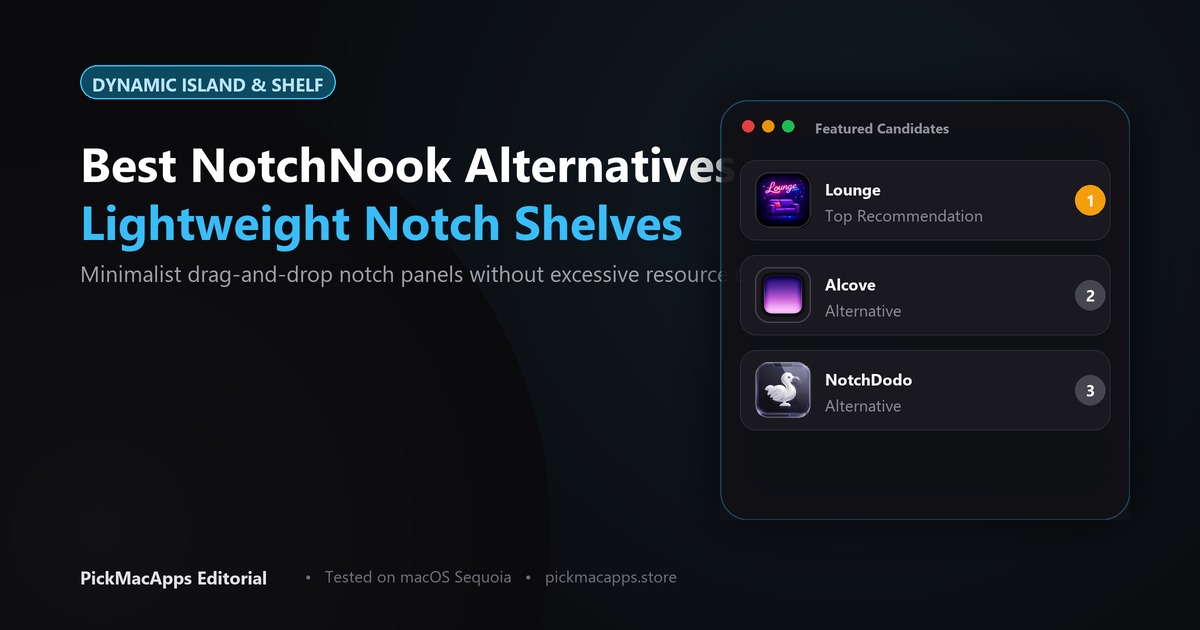
NotchDodo and Droppy both list $9.99 once. Alcove is the narrower notch display already on this shelf, and its site did not list a price when it was checked.
Want to compare specific Mac apps side by side?
Explore feature matrices, pricing tiers, and performance on our comparison shelf.
A NotchNook alternative puts something useful in the MacBook notch. NotchDodo and Droppy both list $9.99 once. Alcove is the narrower one already on this shelf.
NotchNook turns the notch into a small desk: music, calendar, notes, to-dos, a timer, and a tray you can drop files on. Its site lists two prices, $15 once or $2 a month, and says one license covers two Macs. It needs macOS 14.6 or later, on Apple silicon or Intel. There is a free trial. Read getnotchnook.com before you pay. The $2 plan only stays useful if you keep paying.
What NotchNook is actually for
This is not a menu-bar hider. Lounge and ClearBar tuck icons away. If your goal is hiding crowded icons, read our Bartender alternative guide. NotchNook and the apps below do the opposite. They give the black cutout a panel. If your Mac has no notch, ask that question first. Droppy says it still draws an island on a notchless display. This page does not claim the others do.
NotchDodo and Droppy
NotchDodo is a hover panel for music, timers, the day's calendar, files, notes, and the clipboard. The site calls the $9.99 purchase a lifetime license and says it needs macOS 14 or later. That is a lower one-time price than NotchNook's $15, for a similar list of tools. Confirm it on notchdodo.com.
Droppy is sold as a Dynamic Island. The developer says that on a Mac without a notch, or on an external display, it uses the island rather than a camera cutout. The site listed $9.99 once, no subscription, and a three-day trial of every feature. It needs macOS 14 or later. See getdroppy.app.
The practical split is the screen. If you only use a notched MacBook, NotchDodo is the one whose site lists the music, calendar, files, and notes in one hover. If you also work on a display with no notch, Droppy is the one that says it still has a place to sit.
Alcove is already on this shelf
Alcove was added with the Bartender guide, and it is a different cut of the same idea. It is a notch display for notifications and now playing, closer to the iPhone island than to a tray of files and notes. The developer says it needs macOS 15 or later. A price was not on the page when that guide was written, so this one does not invent one. Use it if alerts and music are the whole job. Do not expect NotchNook's file tray.
Side by side
| NotchDodo | Droppy | Alcove | |
|---|---|---|---|
| What the notch holds | Music, timer, calendar, files, notes, clipboard | A Dynamic Island; the site does not itemize every tool | Notifications and now playing |
| No notch | Not claimed here | Yes, including external displays | Not claimed here |
| Price we could verify | $9.99 lifetime | $9.99 once, 3-day trial | Not listed |
| macOS, per the developer | 14 or later | 14 or later | 15 or later |
Which one to install
- You want the file tray, notes, and calendar, and you will pay NotchNook's $15 or $2 a month: stay with NotchNook
- You want that kind of tool list for $9.99 once, on a notched MacBook: NotchDodo
- You also use a monitor or a Mac with no notch: Droppy
- You only want notifications and the current song: Alcove
What this page does not claim
These apps were not lined up on the same Mac. Feature lists are what each developer publishes, and prices move. NotchNook's site is the place to confirm the $15 and $2 figures. If a page disagrees with this guide later, believe the developer.
Answers & Insights
Frequently Asked Questions
What prices are on this shelf?↓
NotchDodo: $9.99 lifetime, macOS 14 or later. Droppy: $9.99 once, a three-day trial, macOS 14 or later. Alcove: no price was listed. NotchNook itself is not an app in this directory.
From the directory
Related Guides & Deep Dives
Best Bartender Alternative for Mac (2026) | PickMacApps
Find the best bartender alternative for your workflow. Compare ClearBar and Lounge for hiding menu bar icons, and see when Alcove uses the notch instead.
Must-Have Mac Apps (2026): Essential Picks | PickMacApps
Discover the must have mac apps for 2026. Hand-picked utilities grouped by job for screenshots, menu bar, clipboard, voice, writing, and disk maintenance.
Best Free Mac Apps (2026): Hand-Picked | PickMacApps
Better Shot is marked Free. Shottr, Voicera, MacWhisper, and Anytype are freemium. Mole is $19 once, so it is not a free app.