Written by
Firoj AlamMust-Have Mac Apps for 2026
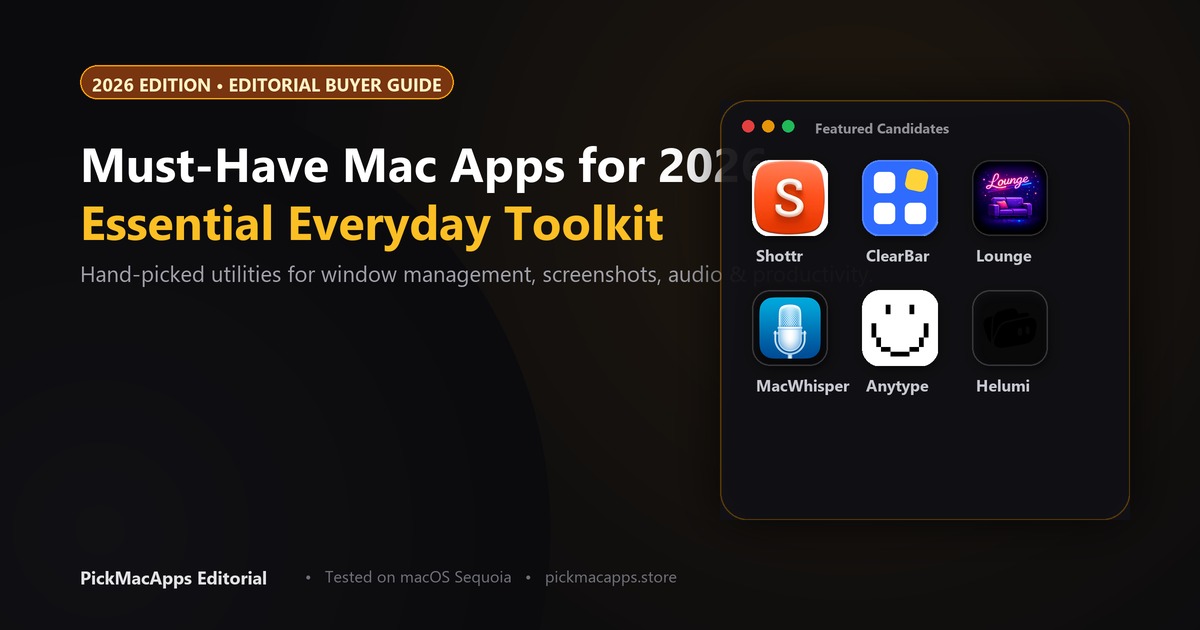
Shottr is the screenshot app with scrolling capture and OCR. Better Shot is the free one, and it records as well as capturing. Maclip is the clipboard app described as encrypted. Voicera streams audio for recognition. It is not described as offline.
Want to compare specific Mac apps side by side?
Explore feature matrices, pricing tiers, and performance on our comparison shelf.
This guide groups Mac apps that are already in the PickMacApps directory by the job they do. Each sentence below comes from that app's listing.
Essential Mac Apps Grouped by Daily Job
The apps below are the ones on this shelf for each job. Pricing labels are Free, Freemium, or Paid. A dollar amount is included only when the listing records it.
Screenshots: Shottr and Better Shot
Shottr for Mac takes screenshots, including scrolling captures, and adds OCR, a screen ruler, and a color picker. Better Shot for Mac takes screenshots and records the screen, then lets you annotate or edit the video. The developer says it is free, with no account and no watermark, and that it needs macOS 14 or later on Apple silicon or Intel. The site also calls it open source.
Menu Bar: ClearBar and Lounge
ClearBar for Mac hides third-party menu bar icons and keeps those apps in one panel, where you can open a menu or quit the app. The site listed a launch price of $5, then $12, paid once. Lounge for Mac hides and reveals menu bar icons and opens a panel near the notch, with clipboard history in that panel. The site did not list a price.
Clipboard: Tucket and Clippio
Tucket for Mac keeps a history of what you copy and opens it from the MacBook notch. The developer says nothing you copy leaves the Mac. The site listed $10 once. The listing does not say the history is encrypted. Clippio for Mac stores history on the Mac, with search, pins, and text recognition on copied images. The developer says there is no cloud sync. The site listed $6.90 once.
Voice: HoldSpeak and Voicera
HoldSpeak for Mac types what you say into the Mac app where the cursor is. The developer says transcription stays on the Mac, with no account, and that you pay once after a 7-day trial. It needs Apple silicon and macOS 14.6 or later. The site did not list a dollar price. Voicera for Mac types speech into the app you are using. The developer says audio is streamed for recognition and not kept after the text comes back. A free plan was listed at 500 words a week. The listing does not say this works offline.
Writing: Anytype and iA Writer
Anytype for Mac organizes information as typed objects with relations, keeps data local-first, and syncs peer-to-peer. It has a free plan. Paid memberships add remote storage and sharing limits. iA Writer for Mac is a markdown editor built around a calm page and plain-text files. The Mac app is a one-time purchase. The developer's buy page listed it at $49.99.
| Job | Recommended App | Alternative | Pricing | Why Install |
|---|---|---|---|---|
| Screenshots | Shottr | Better Shot | Shottr freemium, $12 once. Better Shot free | Shottr: scrolling capture and OCR. Better Shot: screenshots and screen recording, no OCR claim |
| Menu bar | ClearBar | Lounge | ClearBar paid once ($5, then $12). Lounge: no price listed | Both hide menu bar icons. Lounge also opens a notch panel with clipboard history |
| Clipboard | Maclip | Tucket | Maclip $9.99 once. Tucket $10 once | Maclip stores history encrypted on the Mac. Tucket opens history from the notch and is not described as encrypted |
| Dictation | HoldSpeak | Voicera | HoldSpeak paid once, price not listed. Voicera freemium | HoldSpeak says transcription stays on the Mac. Voicera streams audio and is not described as offline |
| Writing & Notes | Anytype | iA Writer | Free tier / Paid once | Anytype: local-first typed objects and peer-to-peer sync. iA Writer: a calm markdown page, one-time purchase |
| Disk | ScanMyDisk | Mole | Both paid. Mole $19 once. ScanMyDisk: no dollar amount listed | ScanMyDisk maps storage in a visual breakdown. Mole also maps the disk and uninstalls apps |
Disk: ScanMyDisk and Mole
ScanMyDisk for Mac maps storage usage into an interactive visual breakdown so you can find oversized files and inspect hidden directories. ScanMyDisk is built by the author of this site. The listing does not record a dollar price. Mole for Mac uninstalls Mac apps together with leftover files, maps disk usage, and clears caches. The site listed $19 once.
Explore our homepage to compare more of the best Mac apps across every utility category.
ScanMyDisk is built by the author of this site.
Answers & Insights
Frequently Asked Questions
Which screenshot app on this shelf does scrolling capture and OCR?↓
Shottr. The listing says it takes screenshots, including scrolling captures, and adds OCR, a screen ruler, and a color picker. Better Shot takes screenshots and records the screen. Its listing does not say it does OCR or scrolling capture.
Which clipboard app is described as encrypted?↓
Maclip. The listing says it stores clipboard history encrypted on the Mac. Tucket keeps history on the Mac and opens it from the notch. The Tucket listing does not say the history is encrypted.
Does the directory say Voicera works offline?↓
No. The Voicera listing says audio is streamed for recognition and not kept after the text comes back. A free plan was listed at 500 words a week. HoldSpeak is the listing that says transcription stays on the Mac.
From the directory
Related Guides & Deep Dives
Best Free Mac Apps (2026): Hand-Picked | PickMacApps
Better Shot is marked Free. Shottr, Voicera, MacWhisper, and Anytype are freemium. Mole is $19 once, so it is not a free app.
Best Clipboard Manager for Mac (2026) | PickMacApps
Find the best clipboard manager mac utility for 2026. Compare Tucket, Clippio, and Maclip on privacy, notch access, encryption, and one-time pricing.
Best Mac Disk Space Analyzer (2026) | PickMacApps
Find the top mac disk space analyzer in 2026. Compare ScanMyDisk, Mole, Bytesweep, and Plumby to visualize storage, clear caches, and reclaim drive space.