Written by
Firoj AlamBest AppCleaner Alternative for Mac (2026)
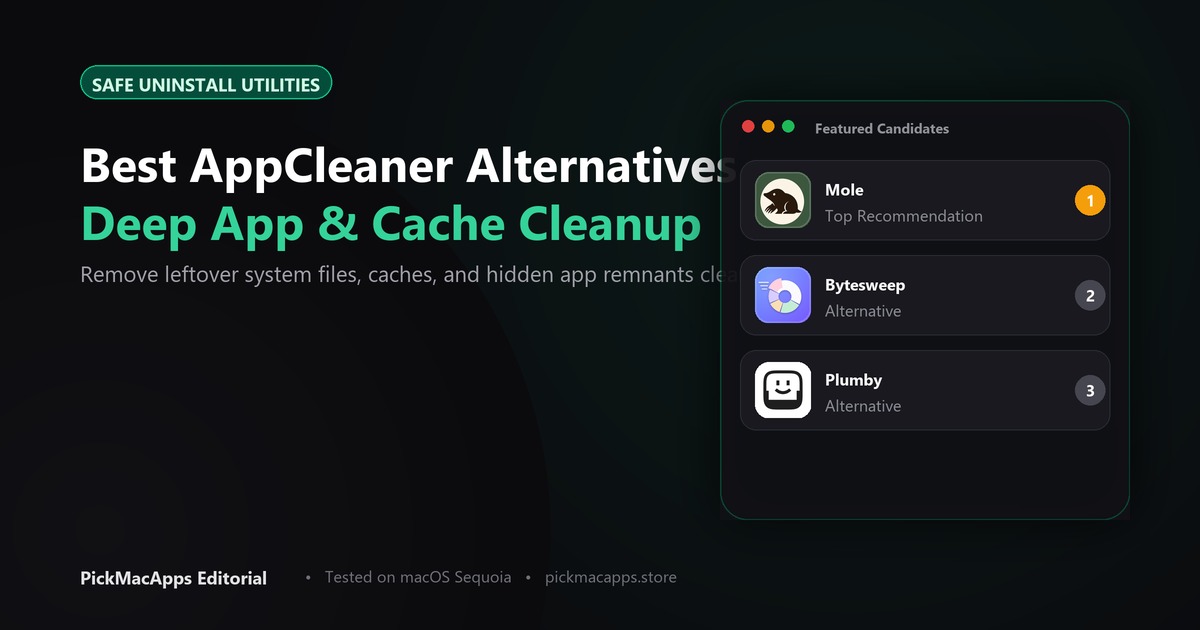
Mole is the paid alternative on this shelf, listed at $19 once. It uninstalls an app together with leftover files and also maps the disk. It is not a free app.
Want to compare specific Mac apps side by side?
Explore feature matrices, pricing tiers, and performance on our comparison shelf.
An AppCleaner alternative is only worth it if uninstalling one app is not the whole job. Mole uninstalls and maps the disk. ByteSweep does not uninstall for you.
AppCleaner, from FreeMacSoft, is free. You drag in an app, it finds the small files that belong to that app, and you delete the ones you tick. The download page has builds for current macOS and for older versions. If that is all you do, a few times a year, you do not need a paid replacement. The page is freemacsoft.net/appcleaner.
What AppCleaner is actually for
People search for an alternative when the free app feels too small. They want a picture of the whole disk, or they want caches and old backups gone, or they already dragged an app to the Trash and the leftovers are still there. Those are three different jobs. A cleaner that deletes caches will not walk you through uninstalling Slack. An uninstaller will not tell you that an iPhone backup is the thing filling the drive.
If you still want to uninstall
Mole uninstalls an app and reviews the leftover files with it. It also maps disk usage and clears caches. The site listed $19 once, with a 14-day refund, and macOS 14 or later. That is the closest paid step up from AppCleaner on this shelf, because uninstalling is still in the product. See mole.fit.
Plumby is aimed at the leftovers and the bulky stuff: caches, macOS installers, old videos, iPhone backups, and files left after you dragged an app to the Trash. It removes only what you select, and personal files start unticked. The site listed $29 a year or $79 once, and macOS 15 or later. It is the wrong buy on an older Mac. Confirm the price on plumby.app.
If the disk is full, not the app
ByteSweep explains what is using the space and waits for you to approve a deletion. The developer says nothing is removed until you say so, and that anything cleaned can be put back for 7 days. The site listed $29.99 once for one computer, a 3-day trial on the Mac, and macOS 14 or later. It does not present itself as the thing you drag an app onto. Use it when the question is "what is this 40 GB," not "how do I remove this app." Read bytesweep.app.
Side by side
| Mole | Plumby | ByteSweep | |
|---|---|---|---|
| Uninstall an app and its leftovers | Yes | Leftovers after you trash the app | Not the job |
| Show what filled the disk | Yes. Maps disk usage | Calls out caches, backups, installers | Yes, and explains each item |
| Undo | 14-day refund on the purchase | You choose each item | Restore cleaned items for 7 days |
| Price we could verify | $19 once | $29 a year, or $79 once | $29.99 once |
| macOS, per the developer | 14 or later | 15 or later | 14 or later |
Which one to install
- You drag in one app, tick its files, and delete them: stay with free AppCleaner
- You want that uninstall plus a disk map, in one paid app: Mole
- The app is already in the Trash and you are hunting leftovers, caches, and old backups, on macOS 15: Plumby
- You want to see what is large before anything is deleted: ByteSweep
What this page does not claim
If your goal is seeing what uses space across the entire drive rather than uninstalling an app, read our Mac disk space analyzer guide.
Explore our homepage to compare more of the best Mac apps for maintenance and storage cleanup.
Answers & Insights
Frequently Asked Questions
What does Mole cost?↓
The site listed $19 once, with a 14-day refund, and macOS 14 or later. The pricing label in the directory is Paid.
What does the Mole listing say it does?↓
It uninstalls Mac apps together with leftover files, maps disk usage, and clears caches. The listing does not describe System Integrity Protection or which system folders it refuses to touch.
When is ByteSweep the closer fit?↓
When the job is seeing what filled the disk. ByteSweep shows disk use and deletes only what you approve, with a 7-day restore. The site listed $29.99 once. It does not present itself as the tool you drag an app onto.
From the directory
Related Guides & Deep Dives
Best Mac Disk Space Analyzer (2026) | PickMacApps
Find the top mac disk space analyzer in 2026. Compare ScanMyDisk, Mole, Bytesweep, and Plumby to visualize storage, clear caches, and reclaim drive space.
Must-Have Mac Apps (2026): Essential Picks | PickMacApps
Discover the must have mac apps for 2026. Hand-picked utilities grouped by job for screenshots, menu bar, clipboard, voice, writing, and disk maintenance.
Best Free Mac Apps (2026): Hand-Picked | PickMacApps
Better Shot is marked Free. Shottr, Voicera, MacWhisper, and Anytype are freemium. Mole is $19 once, so it is not a free app.