Written by
Firoj AlamBest Mac Disk Space Analyzer
ScanMyDisk is the visual disk space analyzer. The listing does not quote a dollar price. Mole also maps disk usage, and the site listed it at $19 once. ScanMyDisk is built by the author of this site.
Want to compare specific Mac apps side by side?
Explore feature matrices, pricing tiers, and performance on our comparison shelf.
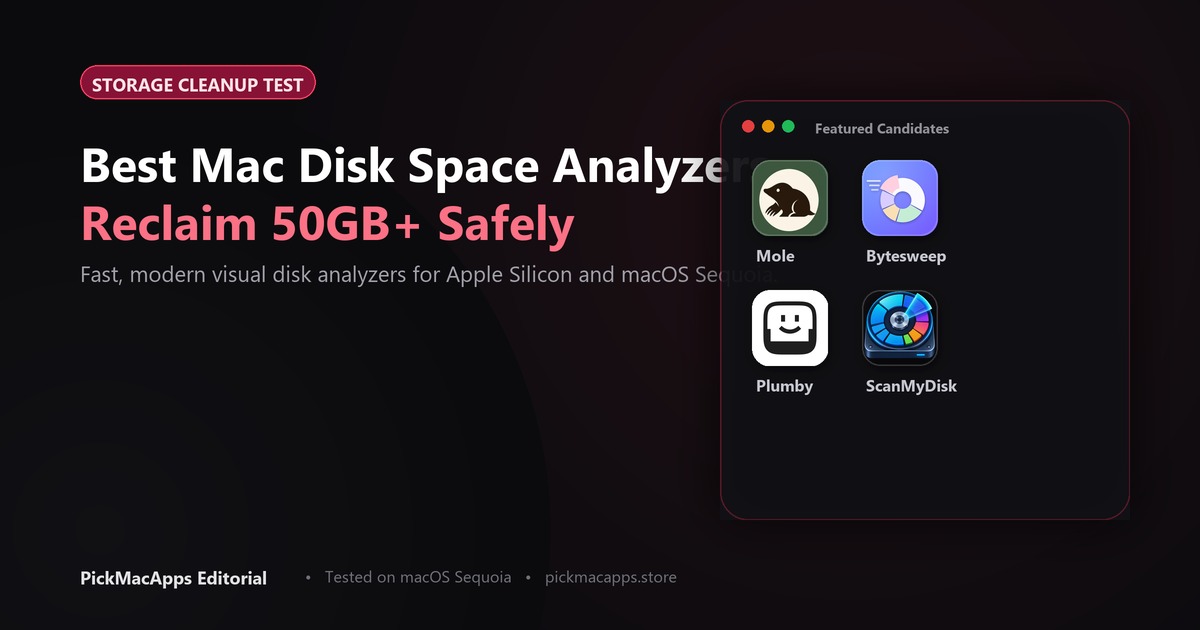
When macOS system warnings alert you that storage is running low, a visual mac disk space analyzer reveals exactly which directories and hidden files are consuming room. Here is a factual comparison of ScanMyDisk, Mole, ByteSweep, and Plumby.
Visualizing Storage to Reclaim Disk Space
Rather than digging through nested Finder folders, a visual disk map renders your storage as interactive charts so you can spot giant installers, old video exports, and cache buildup at a glance.
ScanMyDisk: Visual Disk Space Analyzer
ScanMyDisk for Mac maps storage usage into an interactive visual breakdown so you can find oversized files and inspect hidden directories. The listing is marked Paid and does not record a dollar price. ScanMyDisk is built by the author of this site.
Mole, ByteSweep, and Plumby
Mole for Mac uninstalls Mac apps together with leftover files, maps disk usage, and clears caches. The site listed $19 once, with a 14-day refund, and macOS 14 or later. ByteSweep for Mac illustrates what is filling disk space and cleans only items you confirm, offering a 7-day restore window for $29.99 on macOS 14+. Plumby for Mac finds caches, old installers, iPhone backups, and files left after an app is dragged to the Trash. The site listed $29 a year or $79 once, and macOS 15 or later. It only removes what you select.
If you specifically want to remove leftover files from deleted software, read our companion AppCleaner alternative guide.
| App | Visualization | Safe Cleanup | Pricing | Editor's Choice |
|---|---|---|---|---|
| ScanMyDisk | Interactive visual breakdown | Not described | Paid. No dollar amount in the listing | Only when the directory marks it Editor’s Choice |
| Mole | Maps disk usage | Uninstalls apps with leftover files and clears caches | $19 once | No |
| ByteSweep | Shows what is using disk space | Cleans only what you approve. Restore for 7 days | $29.99 once | No |
| Plumby | Finds caches, installers, and leftovers | Removes only what you select | $29 a year or $79 once | No |
Which disk analyzer to install
Choose ScanMyDisk if you want a visual diagram of your drive. Choose Mole if you want uninstalling and a disk map in one paid app. Choose ByteSweep if you want approval prompts and 7-day undo. Check our complete shelf for more of the best Mac apps.
ScanMyDisk is built by the author of this site.
Answers & Insights
Frequently Asked Questions
What does ScanMyDisk say it does?↓
It maps storage into an interactive visual breakdown so you can find oversized files and inspect hidden directories. The directory marks it Paid and does not record a dollar amount. It does not describe automatic deletion.
What does Mole cost, and what else does it do?↓
The site listed $19 once, with a 14-day refund, and macOS 14 or later. Mole uninstalls Mac apps together with leftover files, maps disk usage, and clears caches. It is not a free app.
How is ByteSweep different?↓
ByteSweep shows what is using disk space and cleans only what you approve. Cleaned items can be restored for 7 days. The site listed $29.99 once. It is not described as an uninstaller.
From the directory
Related Guides & Deep Dives
Best AppCleaner Alternative for Mac (2026)
AppCleaner is free and only uninstalls an app. Mole is $19 once and also maps the disk. ByteSweep shows what is using the space and does not uninstall for you.
Must-Have Mac Apps (2026): Essential Picks | PickMacApps
Discover the must have mac apps for 2026. Hand-picked utilities grouped by job for screenshots, menu bar, clipboard, voice, writing, and disk maintenance.
Best Clipboard Manager for Mac (2026) | PickMacApps
Find the best clipboard manager mac utility for 2026. Compare Tucket, Clippio, and Maclip on privacy, notch access, encryption, and one-time pricing.