Written by
Firoj AlamBest Notch Apps for Mac
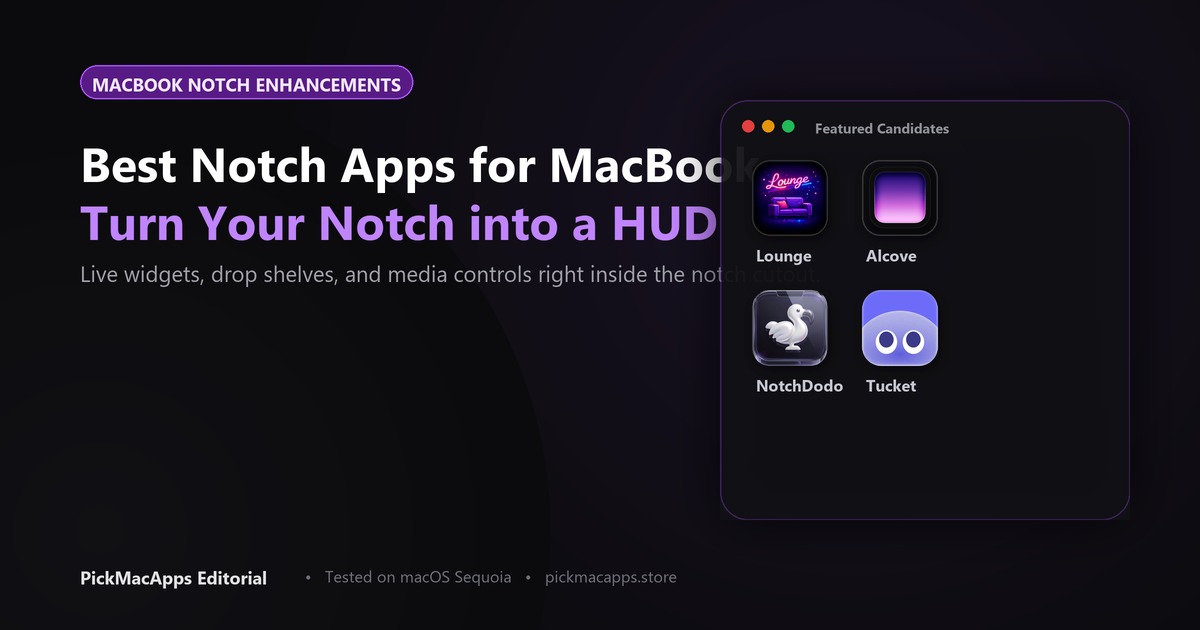
NotchDodo and Droppy were each listed at $9.99 once. Alcove puts notifications and now playing in the notch, and its site did not list a price. Tucket opens clipboard history from the notch and was listed at $10 once.
Want to compare specific Mac apps side by side?
Explore feature matrices, pricing tiers, and performance on our comparison shelf.
Alcove, NotchDodo, Droppy, Lounge, and Tucket are the notch and menu-bar apps in this directory. Each sentence below is from that app’s listing.
Turning the Notch into an Interactive Hub
Alcove puts notifications and now playing in the notch. NotchDodo is a hover panel for music, timers, calendar, files, notes, and clipboard. Droppy is a Dynamic Island that also works without a notch. Lounge hides menu bar icons. Tucket opens clipboard history from the notch.
Alcove, NotchDodo, and Droppy
Alcove for Mac turns the notch into a dynamic notification island for media playback and system alerts on macOS 15+. NotchDodo for Mac turns the MacBook notch into a hover panel for music, timers, calendar, files, notes, and clipboard for $9.99 lifetime on macOS 14+. Droppy for Mac delivers an interactive island that functions on both notched MacBooks and notchless external monitors for $9.99 once on macOS 14+.
Lounge and Tucket
Lounge for Mac tucks crowded menu bar icons into an expandable tray next to the notch and includes clipboard history on macOS 26+. Tucket for Mac provides clipboard history accessible from the notch with on-device privacy for $10 one-time on macOS 14+.
| App | What the listing says | Price recorded |
|---|---|---|
| Alcove | Notifications, now playing, and status in a notch display. macOS 15 or later. Not a menu bar icon hider. | Paid. No dollar amount listed |
| NotchDodo | Hover panel for music, timers, calendar, files, notes, and clipboard. macOS 14 or later. | $9.99 once |
| Droppy | A Dynamic Island. On a Mac without a notch, or on an external display, it uses that island instead of a camera cutout. | $9.99 once |
| Lounge | Hides menu bar icons and opens a panel near the notch, with clipboard history. macOS 26 or later. | Paid. No dollar amount listed |
| Tucket | Clipboard history opened from the MacBook notch. Nothing you copy leaves the Mac. Not described as encrypted. | $10 once |
Which notch app to install
Choose Alcove for notifications and now playing. Choose NotchDodo for the hover panel. Choose Droppy if the Mac has no notch. Choose Lounge to hide menu bar icons. Choose Tucket for clipboard history from the notch. Tucket is not described as encrypted. Browse our full shelf to discover more of the best Mac apps.
Answers & Insights
Frequently Asked Questions
What is in the NotchDodo listing?↓
A hover panel for music, timers, calendar, files, notes, and clipboard. The site listed a lifetime license at $9.99 and said it needs macOS 14 or later.
What if the Mac has no notch?↓
Droppy is described as a Dynamic Island that, on a Mac without a notch or on an external display, uses that island instead of a camera cutout. The site listed $9.99 once, with a three-day trial, and macOS 14 or later.
From the directory
Related Guides & Deep Dives
Best NotchNook Alternative for Mac (2026)
NotchDodo and Droppy put tools in the notch for $9.99 once. Alcove, already listed here, is the notification island. NotchNook is $15 once or $2 a month.
Best Bartender Alternative for Mac (2026) | PickMacApps
Find the best bartender alternative for your workflow. Compare ClearBar and Lounge for hiding menu bar icons, and see when Alcove uses the notch instead.
Best Clipboard Manager for Mac (2026) | PickMacApps
Find the best clipboard manager mac utility for 2026. Compare Tucket, Clippio, and Maclip on privacy, notch access, encryption, and one-time pricing.