Written by
Firoj AlamBest Clipboard Manager for Mac
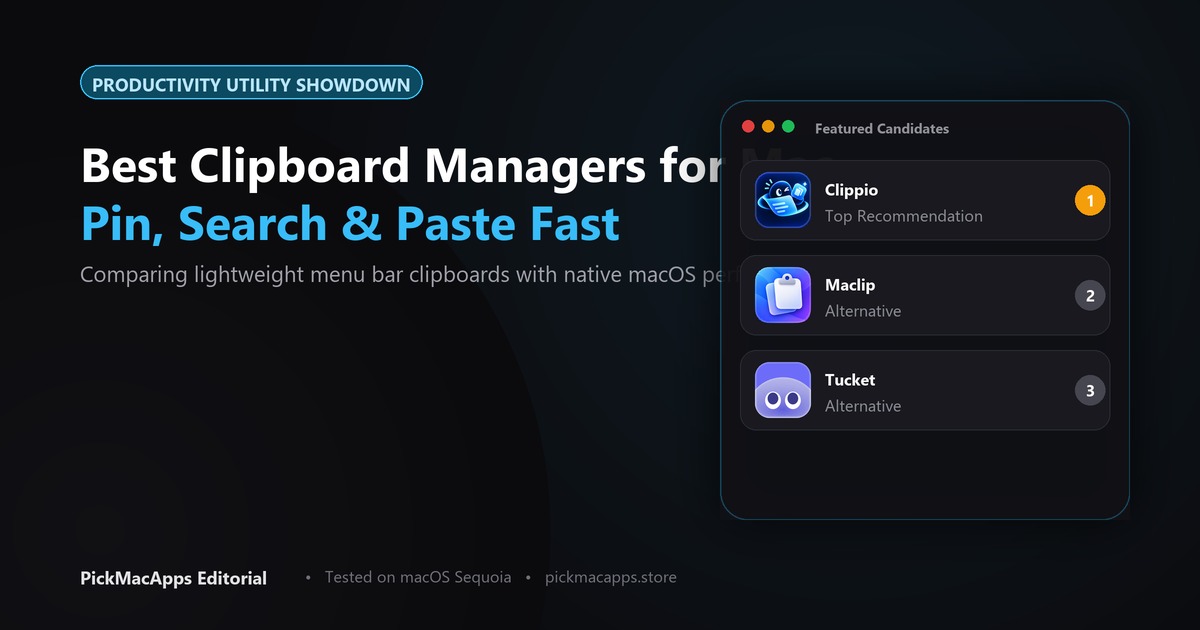
Maclip is the one described as encrypted clipboard history, listed at $9.99 once. Tucket opens history from the notch and was listed at $10 once. Clippio was listed at $6.90 once and says there is no cloud sync.
Want to compare specific Mac apps side by side?
Explore feature matrices, pricing tiers, and performance on our comparison shelf.
Tucket, Clippio, and Maclip each keep clipboard history on the Mac and list a one-time price. Only Maclip’s listing says the history is encrypted.
On-Device Clipboard History Compared
Tucket says nothing you copy leaves the Mac. Clippio says there is no cloud sync. Maclip says the history is encrypted and clips are not uploaded. Only Maclip is described as encrypted.
Tucket: History in the Notch
Tucket for Mac keeps a history of what you copy and opens it from the MacBook notch. The developer states that nothing copied leaves the computer. It lists a one-time lifetime license of $10 (regularly $15) and requires macOS 14 or later.
Clippio: Low-Cost Menu Bar Manager
Clippio for Mac stores clipboard history on the Mac, with search, pins, and text recognition on copied images. The developer says there is no cloud sync. The site lists a one-time price of $6.90 for macOS 13 or later.
Maclip: Encrypted History and Sequential Paste
Maclip for Mac keeps clipboard history encrypted on your Mac and includes a multi-clip queue to paste items in sequence. The developer says password-manager apps are ignored. The site lists $9.99 once for up to two Macs with a 7-day trial on macOS 13 or later.
| Feature / Spec | Tucket | Clippio | Maclip |
|---|---|---|---|
| Notch Integration | Yes. Opens from the MacBook notch | Not stated | Not stated |
| Encrypted history | Not stated | Not stated | Yes. Stored encrypted on the Mac |
| Price listed | $10 once | $6.90 once | $9.99 once |
| Leaves the Mac? | Listing says nothing you copy leaves the Mac | Listing says no cloud sync | Listing says clips are not uploaded |
| Also stated | Opens from the MacBook notch. macOS 14 or later | Search, pins, and text recognition on copied images | Ignores password-manager apps. Up to two Macs |
Which clipboard manager to install
Choose Tucket if you want your history docked into the notch. Choose Clippio if you want the most affordable one-time menu bar utility with image OCR. Choose Maclip if encryption and password exclusions are your priority. Explore our shelf for more of the best Mac apps.
Answers & Insights
Frequently Asked Questions
Which of these clipboard apps is encrypted?↓
Maclip. The listing says history is encrypted on the Mac, clips are not uploaded, and password-manager apps are ignored. Tucket says nothing you copy leaves the Mac. Clippio says there is no cloud sync. Those two listings do not say the store is encrypted.
What prices were listed?↓
Tucket: $10 once, with $15 shown as the regular price, macOS 14 or later. Clippio: $6.90 once, macOS 13 or later. Maclip: $9.99 once for up to two Macs, with a 7-day trial, macOS 13 or later. Check the developer sites before you pay.
Does Tucket say it ignores password managers?↓
No. That sentence is on the Maclip listing. Tucket's listing says the history opens from the MacBook notch and that nothing you copy leaves the Mac.
From the directory
Related Guides & Deep Dives
Must-Have Mac Apps (2026): Essential Picks | PickMacApps
Discover the must have mac apps for 2026. Hand-picked utilities grouped by job for screenshots, menu bar, clipboard, voice, writing, and disk maintenance.
Best Notch Apps for Mac (2026) | PickMacApps
Discover the top notch app mac tools for 2026. Compare Alcove, NotchDodo, Droppy, Lounge, and Tucket to turn the MacBook camera cutout into a useful hub.
Best Mac Disk Space Analyzer (2026) | PickMacApps
Find the top mac disk space analyzer in 2026. Compare ScanMyDisk, Mole, Bytesweep, and Plumby to visualize storage, clear caches, and reclaim drive space.