Written by
Firoj AlamBest Paste Alternative for Mac (2026)
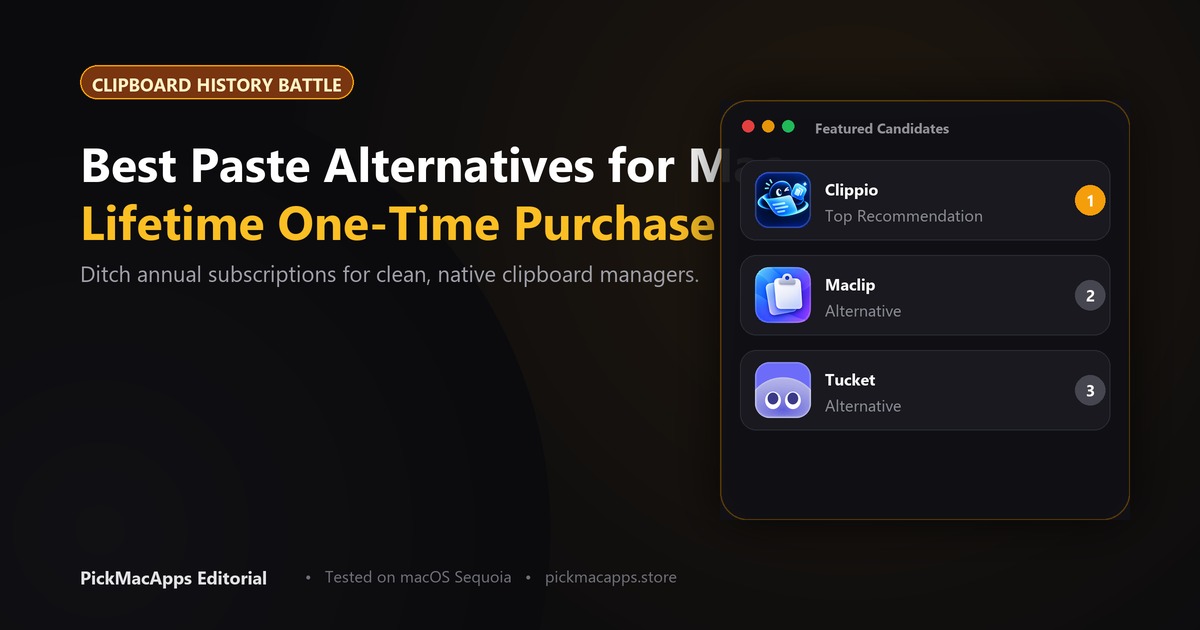
Tucket, Clippio, and Maclip each charge once and keep clipboard history on the Mac. Maclip is the listing that says the history is encrypted.
Want to compare specific Mac apps side by side?
Explore feature matrices, pricing tiers, and performance on our comparison shelf.
A Paste alternative on this shelf is a clipboard history that stays on the Mac. Tucket, Clippio, and Maclip each charge once. None of them claim to sync an iPhone.
Paste saves what you copy, lets you search it, and pins the bits you reuse. Its pricing page lists $2.49 a month or $29.99 a year, and a 7-day trial. Every plan includes the Mac, iPhone, and iPad apps. A pay-once lifetime plan exists on that page. The dollar amount did not show up in the page text, so this guide does not quote it. Check pasteapp.io/pricing.
What Paste is actually for
If the thing you will miss is copying on the Mac and pasting on the iPhone, stay with Paste. The three apps below do not offer that. They are for the other complaint: a subscription for a history that never leaves the computer.
- You paste on an iPhone or iPad as well as a Mac: Paste
- You only need the Mac, and you want one payment: Tucket, Clippio, or Maclip
- You want the history in the notch: Tucket
- You want several clips pasted in a row, and password apps ignored: Maclip
History that stays on the Mac
Tucket opens from the MacBook notch and sorts copies by type. The last ten clips can be pasted with a shortcut, without opening the panel. The developer says nothing you copy leaves the Mac. The site listed $10 once, with $15 shown as the regular price, and macOS 14 or later. See trytucket.com.
Clippio is a menu-bar history with search, pins, and text recognition on images you copied. The developer says it stays on the device and does not sync to a cloud. The site listed $6.90 once and macOS 13 or later. That is the lowest price of the three. Confirm it on clippio.siliconapps.dev.
Maclip encrypts the history on the Mac. The developer says clips are not uploaded, that password-manager apps are ignored, and that you can paste several clips in order. The site listed $9.99 once for up to two Macs, a 7-day trial, and macOS 13 or later. Read maclip.cc.
Tucket is the notch. Clippio is the smaller bill. Maclip is the one that talks about encryption and about not saving passwords. All three say the history stays on the Mac. Paste's reason to exist, on its own pricing page, is the other devices.
Side by side
| Tucket | Clippio | Maclip | |
|---|---|---|---|
| Where it opens | The notch | Menu bar and a shortcut | Search, with paste-in-order |
| Leaves the Mac? | Developer says no | Developer says no cloud sync | Developer says not uploaded |
| iPhone | Not claimed | Not claimed | Not claimed |
| Price we could verify | $10 once, $15 shown as regular | $6.90 once | $9.99 once, up to two Macs |
| macOS, per the developer | 14 or later | 13 or later | 13 or later |
Which one to install
- You copy on the Mac and paste on the iPhone: stay with Paste
- You want the history in the notch and one payment: Tucket
- You want the lowest one-time price on this list: Clippio
- You want encryption called out, and password apps skipped: Maclip
What this page does not claim
These apps were not timed against Paste, and Paste's lifetime price is not quoted because it was not in the pricing-page text. History limits, if an app caps them, were not compared. If a price page changes, use the developer's number.
Answers & Insights
Frequently Asked Questions
What were the one-time prices?↓
Tucket $10 once, Clippio $6.90 once, and Maclip $9.99 once for up to two Macs. Tucket says nothing you copy leaves the Mac. Clippio says there is no cloud sync. Maclip says clips are not uploaded.
From the directory
Related Guides & Deep Dives
Must-Have Mac Apps (2026): Essential Picks | PickMacApps
Discover the must have mac apps for 2026. Hand-picked utilities grouped by job for screenshots, menu bar, clipboard, voice, writing, and disk maintenance.
Best Free Mac Apps (2026): Hand-Picked | PickMacApps
Better Shot is marked Free. Shottr, Voicera, MacWhisper, and Anytype are freemium. Mole is $19 once, so it is not a free app.
Best Clipboard Manager for Mac (2026) | PickMacApps
Find the best clipboard manager mac utility for 2026. Compare Tucket, Clippio, and Maclip on privacy, notch access, encryption, and one-time pricing.